Animation of a character pushing and lifting a heavy object.
Progress
----
29 May 2012
Decided to do the lifting part of the animation first. I could just do the pushing part later and combine the two clips together. I decided to use a crate with a handle. I figured it wouldn't be allowed, so it'll break off later. I thought of an interesting way for the character to lift the object. Although it feels like I'm skipping a part of the actual lifting. But I'll make up for it with something more complex! We'll see if I can make this animation a beast. I decided to upload a clip of what I have so far rather than an image of onion skins. Its basically just keyframes. I noticed the character gets smaller towards the end so I'll fix that next time.
5 June 2012
Here's what I have so far. Things I've noticed with some issues are the body movement when the handle breaks off and towards the end. Going to go back to fix and clean it up later. For now, I'm going to work on the pushing part which is going to go before this lifting part
2:15 PM
Something I forgot to mention in the previous video was that I was experimenting with stretch and pull. In earlier animations, I didnt apply any. I did apply the stretch for the humanRun, but I didn't like how it turned out. Maybe I didn't like that style, or it wasn't needed at all. Not really sure. I liked how the bird flapping its wings turned out. Well only the tip of the wings, but it was mostly the drag from the wind. I tried applying this to the whole body. The side that travels more will get more "spikes" while the side that traveled less would get small "spikes." I guess these "spikes" are also speed lines but not exactly as it stretches the image onto the line, rather than just lines.
After watching some anime, I went back and just hit the "Next Frame" hotkey, so I could learn how they do timing. For something quick and short distance, it's usually the initial position, easing out of the position, and then the final position. That's it. Three frames at two exposure. I tried this in various places. I also pushed myself to do two exposure rather than one, because it indeed still looks good and less work. I even gotten lazy and even did 3 exposures in some areas that needed pauses. If I ended up doing a four exposure I just went in and added a frame in there. If I had two 3 exposures next to each other I wouldve just made it to two 2 exposures while adding a frame in between. Unless it was just a long pause.
A small thing I learned with the crate in the lifting video was that the crate is heavy and will ALWAYS want to go back down. I had to adjust the crate to fall slowly even though the guy is still holding it.
And finally just did some cleaning. Might have to go back and fix a little more.
Tuesday, May 29, 2012

Monday, May 21, 2012
humanRun
Human Running.
It was a pretty fun assignment. One of my favorites mostly because I believe that I am pretty knowledgeable about how the human body moves. At least the basics. I decided to leave this at one exposure because I didn't want to waste my keyframes. It did end up leaving more work. I did have some trouble at the start where I wanted to exaggerate the running, but it turns out to look like the figure is leaping but oddly since only the hip moves and the shoulders are practically in the same location. I ended up having to redo the whole assignment. I like it much better now though. I remember what I learned in another class about what a past animator had done, so I tried it here. I think it works out ok? I'll just post both
Original
Stretching in the leg
It was a pretty fun assignment. One of my favorites mostly because I believe that I am pretty knowledgeable about how the human body moves. At least the basics. I decided to leave this at one exposure because I didn't want to waste my keyframes. It did end up leaving more work. I did have some trouble at the start where I wanted to exaggerate the running, but it turns out to look like the figure is leaping but oddly since only the hip moves and the shoulders are practically in the same location. I ended up having to redo the whole assignment. I like it much better now though. I remember what I learned in another class about what a past animator had done, so I tried it here. I think it works out ok? I'll just post both
Original
Stretching in the leg
Sunday, May 13, 2012
Emdi

For now reworking a picture of Nidalee I've done in the past for a friend. I'm hoping it becomes really beasty and goes on the LoL showcase. Going to need a lot of texture for her outfit though. This is all being done digitally on Photoshop with a Wacom tablet
Tuesday, May 8, 2012

Tuesday, May 1, 2012
Jack and the Beanstalk Twist
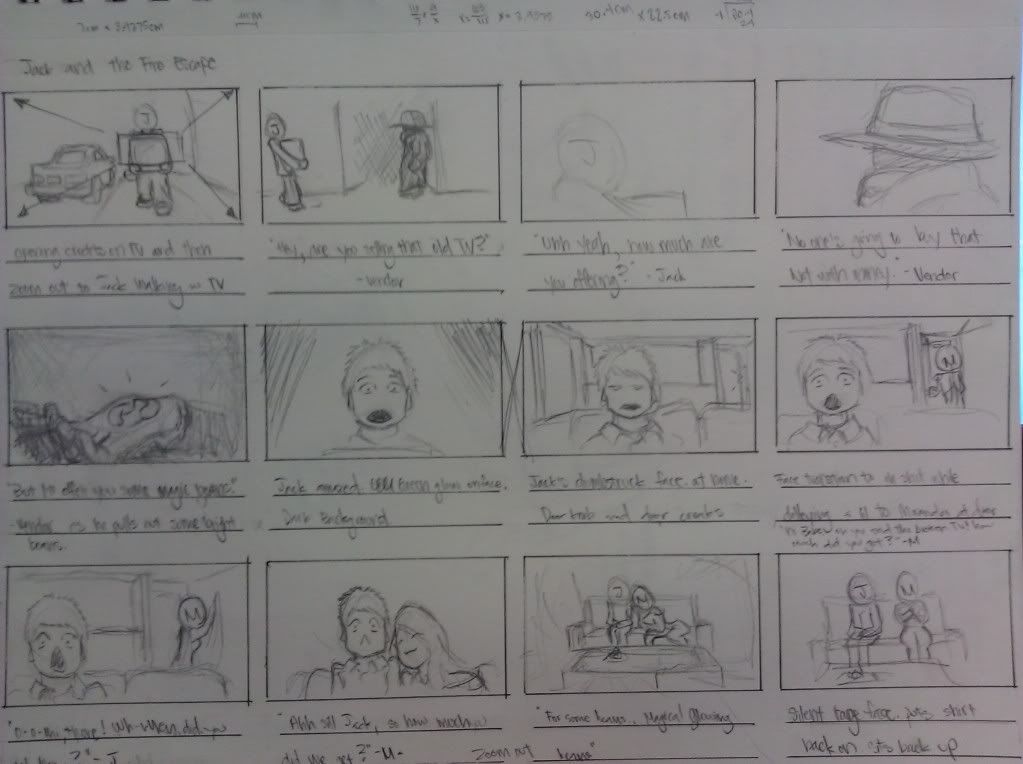
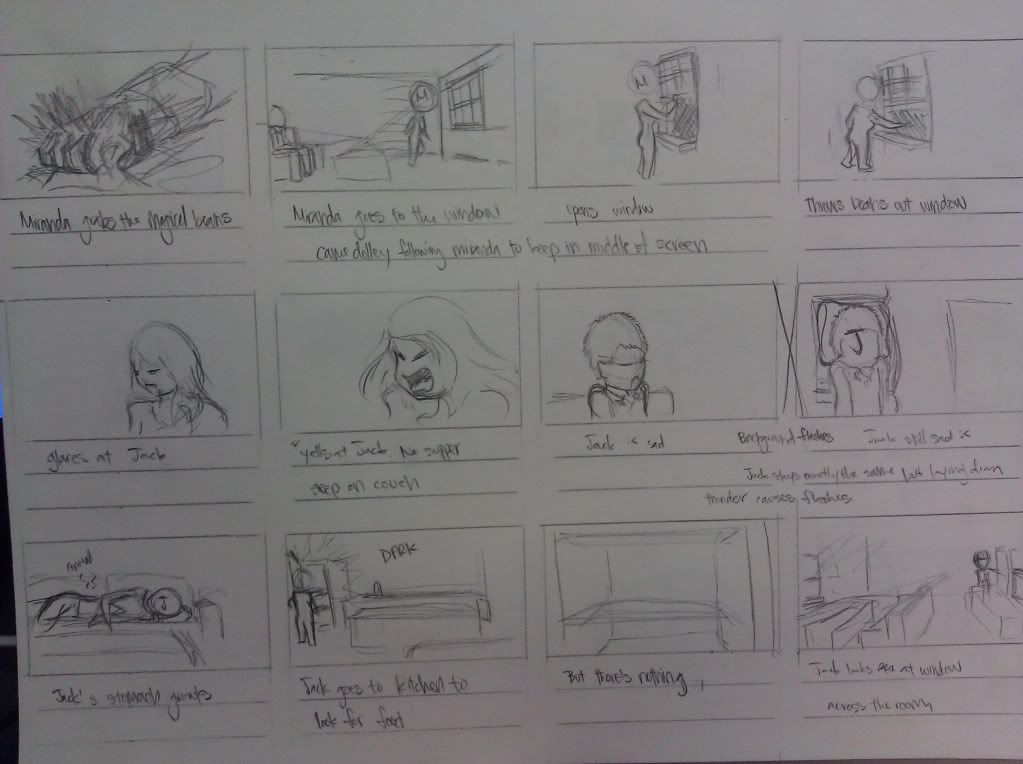
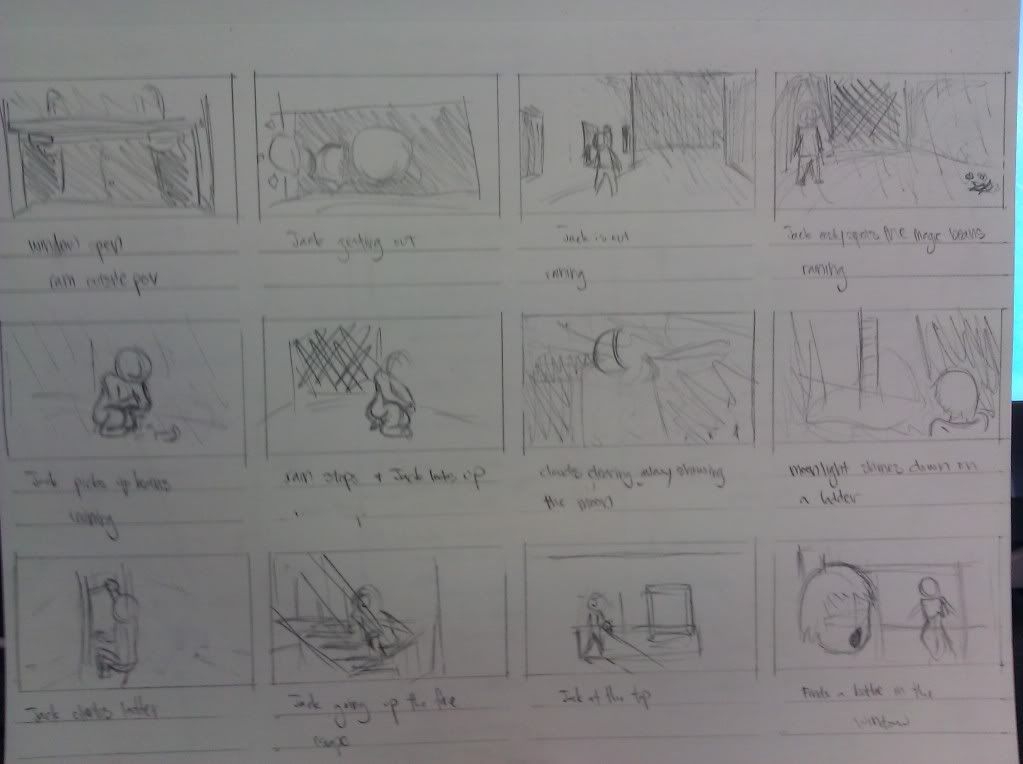
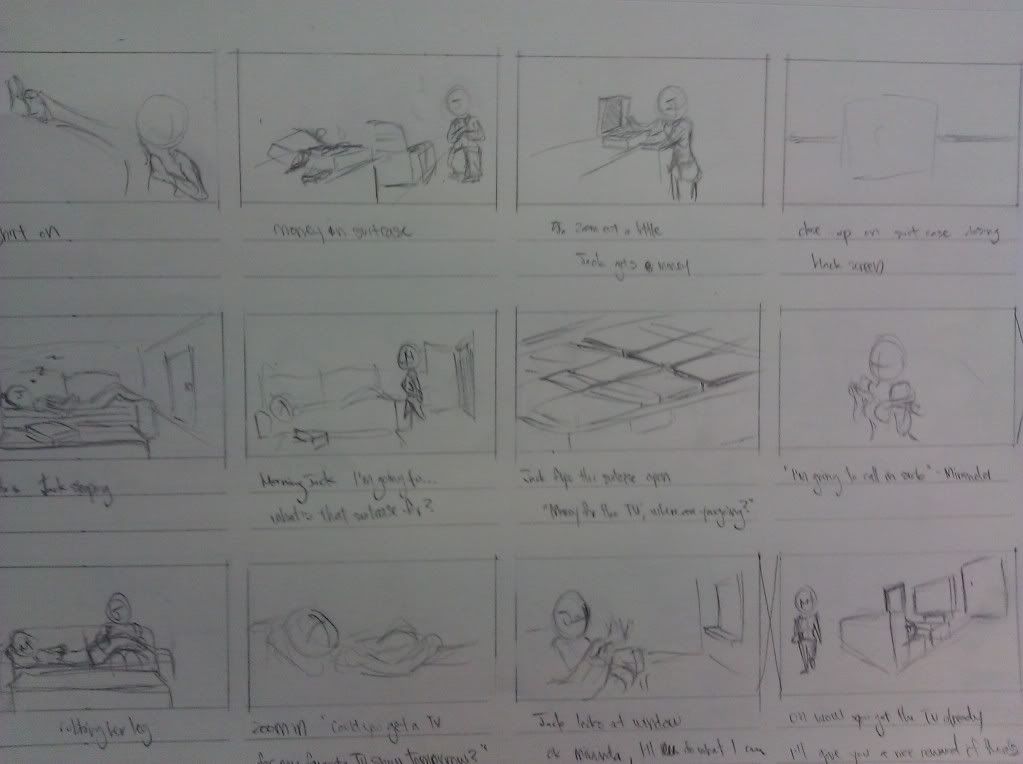
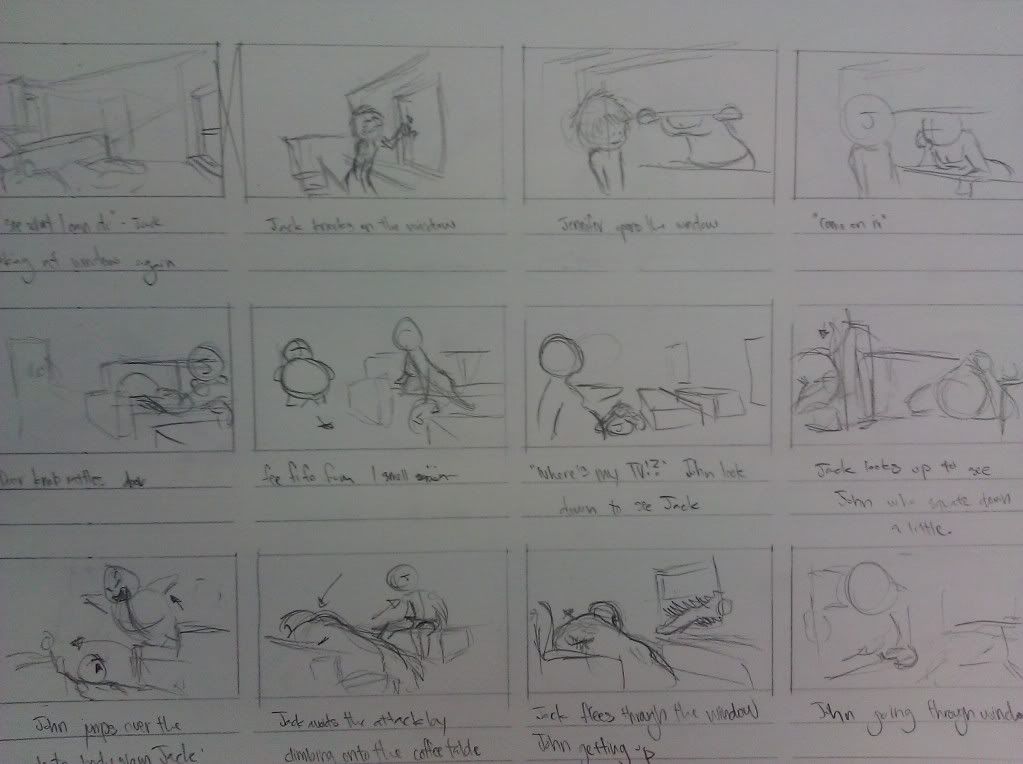
Objective was to pick a fairy tale and put our own twist to it. I chose Jack and the Beanstalk. Throughout this piece, it feels like my quality drops tremendously. I will pick the quality up for the final version of the animatic.
Progress
----
storyboard
Animatic
It was rather long, so I decided to compact it as much as possible. Instead of Jack making multiple trips, he just makes one and gets caught right away. A lot of elements in the story were lost and randomly appeared. I somewhat created a link in the animatic. There are still issues and hope I fix them in the final version. Hopefully a cleaner version also. I plan on dropping Toonboom Storyboard or whatever its called and just go with Photoshop and AfterEffects. With this switch, I can get better control in the individual animations like objects flying across the screen rather than screenshots of them going across.
Progress
----
storyboard
|
|
|

|
|
|

|
Animatic
It was rather long, so I decided to compact it as much as possible. Instead of Jack making multiple trips, he just makes one and gets caught right away. A lot of elements in the story were lost and randomly appeared. I somewhat created a link in the animatic. There are still issues and hope I fix them in the final version. Hopefully a cleaner version also. I plan on dropping Toonboom Storyboard or whatever its called and just go with Photoshop and AfterEffects. With this switch, I can get better control in the individual animations like objects flying across the screen rather than screenshots of them going across.
Subscribe to:
Comments (Atom)